Midjourney在摄影领域的应用
1.利用 Midjourney 生成实拍效果图像
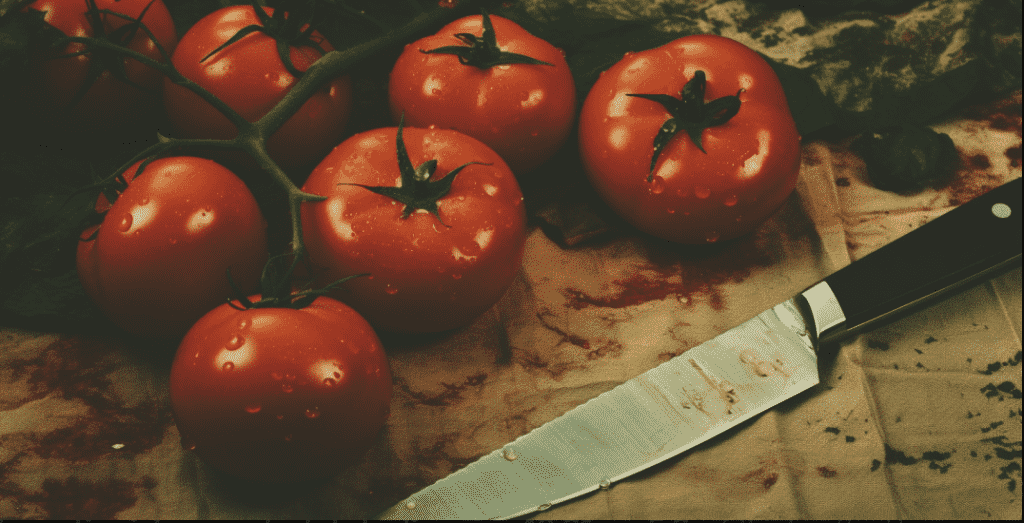
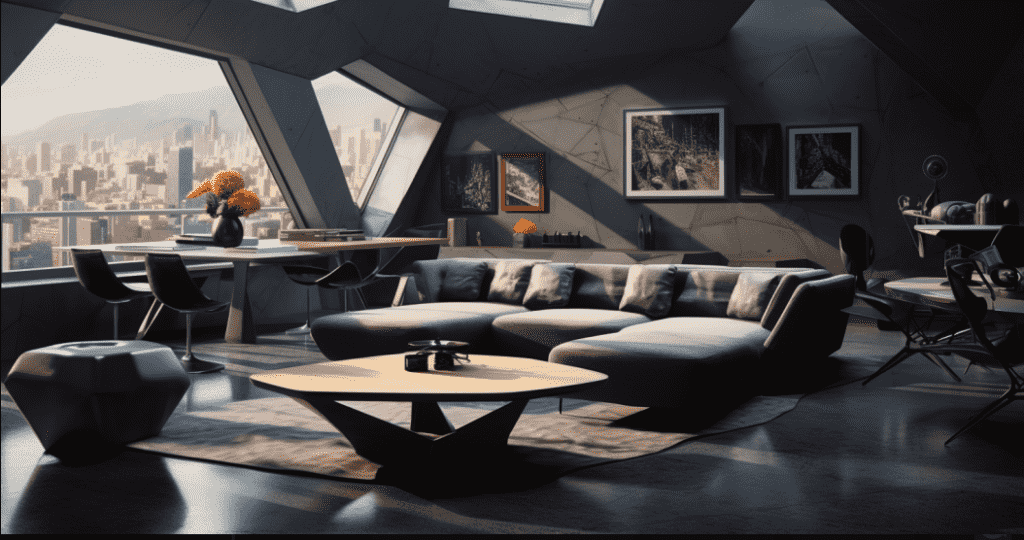
借助MJ,可以轻松获得各种风格和主题的高品质照片素材,包括自然景观、建筑、艺术品、家居服装、配饰等。这些素材可以广泛应用于广告设计、产品设计、网站设计、室内设计等领域,极大地提升了设计效率和质量。同时,使用MJ生成的素材还能避免版权问题和摄影成本的困扰。以下是我使用MJ生成的食品和室内装饰素材图像,其效果媲美专业摄影师的作品。
2.利用 Midjourney 验证场景规划
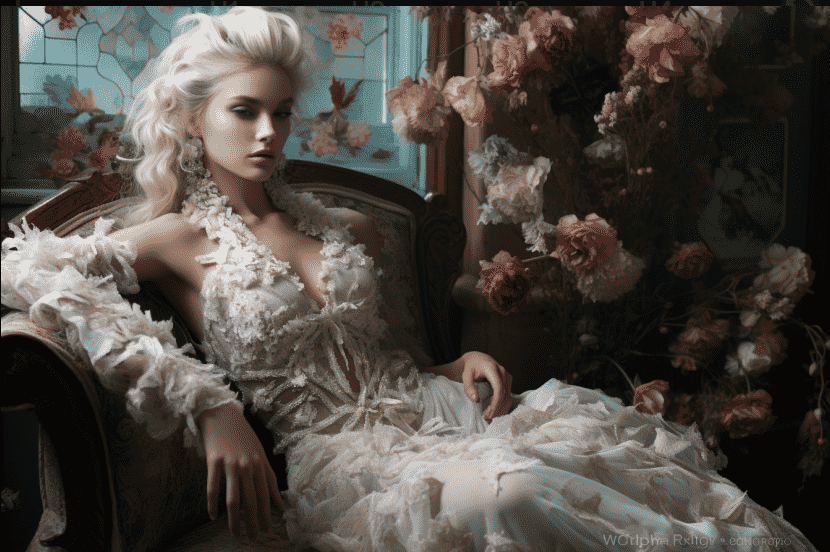
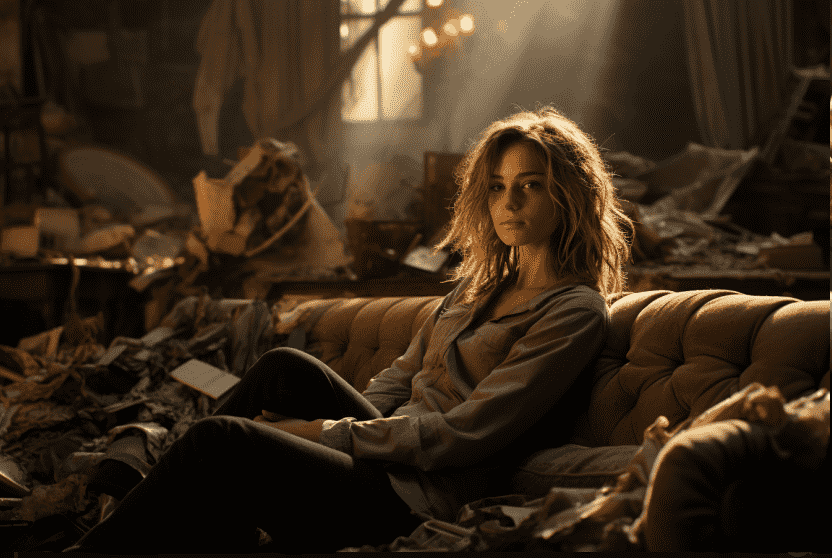
许多高成本时尚摄影作品在拍摄前需要进行场景规划。传统的方法是使用计算机进行绘制,但是使用MJ可以轻松验证场景规划效果,如下图左下所示。此外,在电影拍摄之前,还可以使用MJ来规划分镜头场景,如下图右下所示。这样,导演可以在拍摄前预先验证分镜头效果,并进行必要的修改和调整,从而提高电影的拍摄效率并降低成本。
3.利用 Midjourney 生成无法实拍的照片
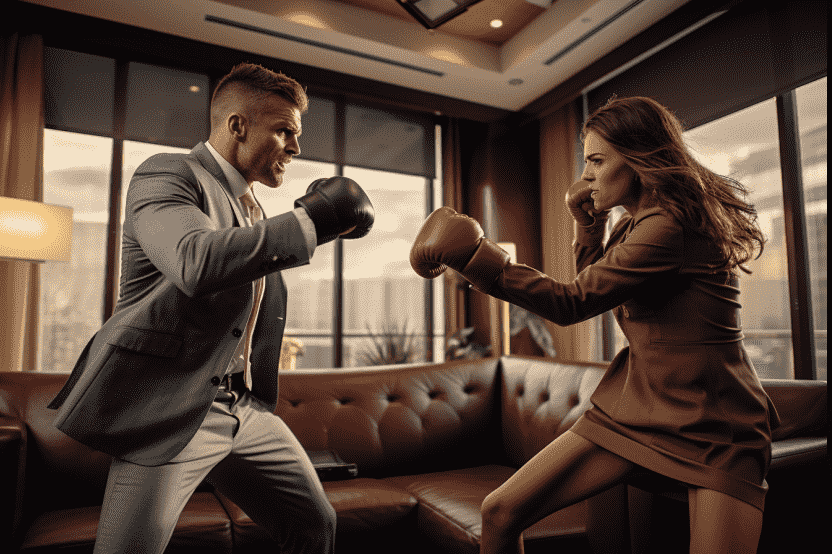
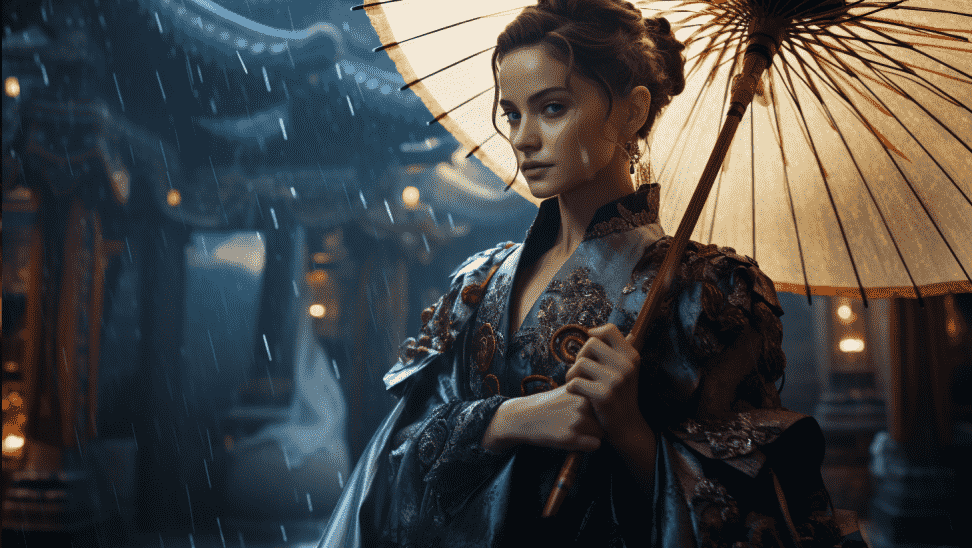
出于各种原因,有些照片在生活中拍摄的难度很高或根本无法拍摄,此时可以使用Mi进行模拟。例如左下图展示的是反映职场曝光的虚拟写实照片,右下图展示的是一位好莱坞明星身着汉服的效果,这样的场景拍摄难度都比较大,因此,可以尝试使用 MJ 来创作生成。
4.利用 Midjourney 生成样机展示照片
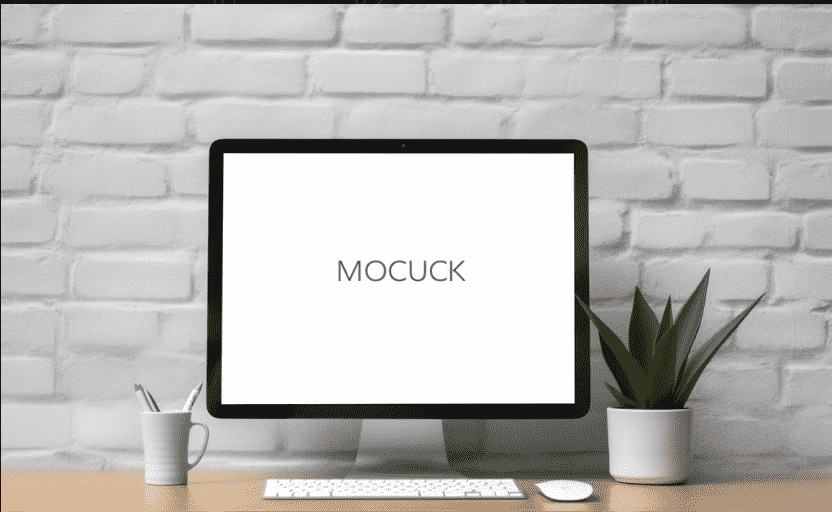
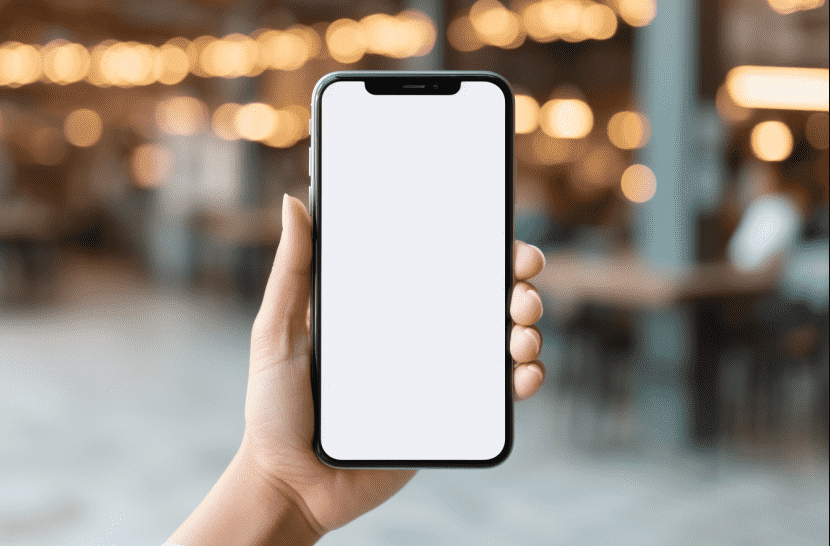
简单来说,样机是设计作品的实体展示,通过将设计作品应用到实物效果图中,使其更加形象逼真。样机主要用于展示UI界面、手机App页面、电子设备、包装设计、服装设计、平面设计等场景。使用Mockup image关键词可以轻松生成样机图像,无需实际拍摄。
下图展示了使用白屏手机和白屏计算机壁纸生成的样机展示照片。
5.利用 Midjourney 模拟旧照片
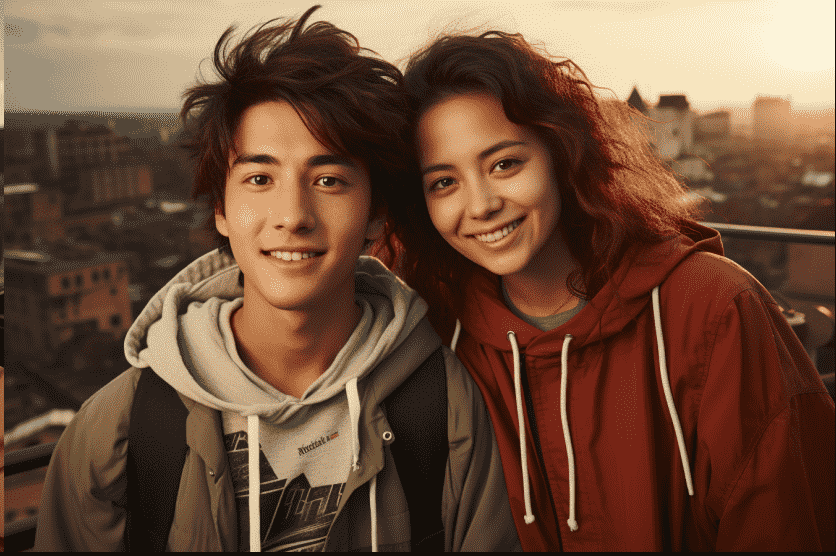
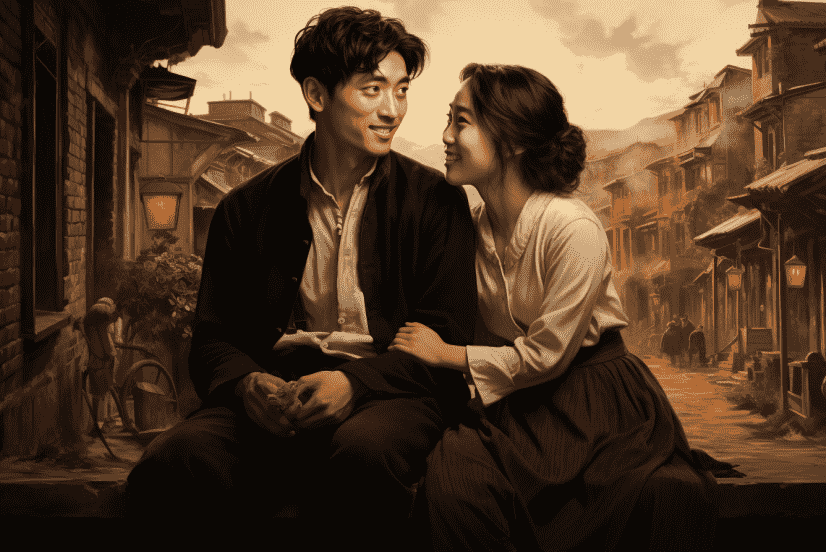
在大数据的支持下,MJ能够相对准确地模拟不同年份的环境和服装。例如,下图左下方展示了我使用Mj生成的1980年的照片,而右下方展示了1900年的照片。尽管拍摄地点都是北京,但左下图的背景与右下图明显不同。这样的图像在非严肃、客观的媒体文章中已经具备实用价值。在撰写提示语时,只需使用类似于“在20世纪80年代”的关键词即可。
Midjourney 生成摄影照片要控制的要素
1.控制景别的关键词
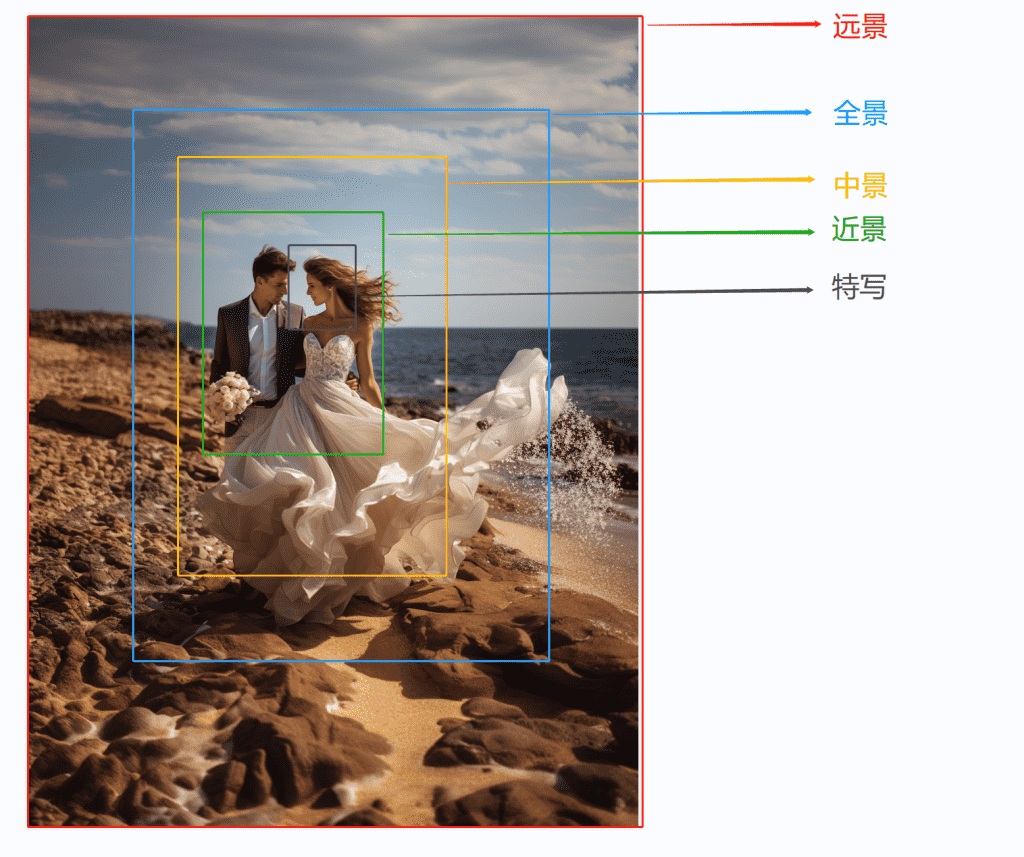
景别是指在焦距固定的情况下,由于相机与被摄体的距离不同,造成的被摄体在画面中所呈现出的范围大小不同的区别。
下面通过一张人像照片展示不同景别的示意图。
在使用MJ进行创作时,通常用以下关键来定义景别:特写 Close-Up、中特写 Medium Close-Up、中景 Medium Shot、中远景 Medium Long Shot、远景 Long Shot、全身照 Full Length Shot、大特写 Detail Shot、腰部以上 Waist Shot、膝盖以上 Knee Shot、面部特写 Face Shot。
需要特别注意的是,由于MJ在生成图像时具有随机性,且生成图像时MJ会整体参考提示语。因此,即便在提示语中加入正确的景别关键词,有时也不一定能得到景别正确的图像。
另外,还要注意不能在提示语中出现前后矛盾的景别描述,例如,在前面使用了特写CIose-Up 关键词,但又添加了 Wide Angel 广角关键词,则创作的图像景别大概率也是错误的。
2.控制光线的关键词
摄影是用光的艺术,光线的重要性在摄影中是无与伦比的,在 MJ 中也是如此。
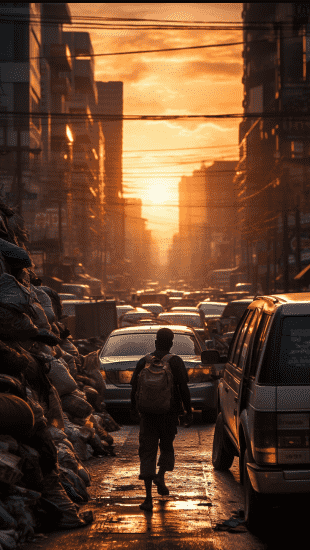
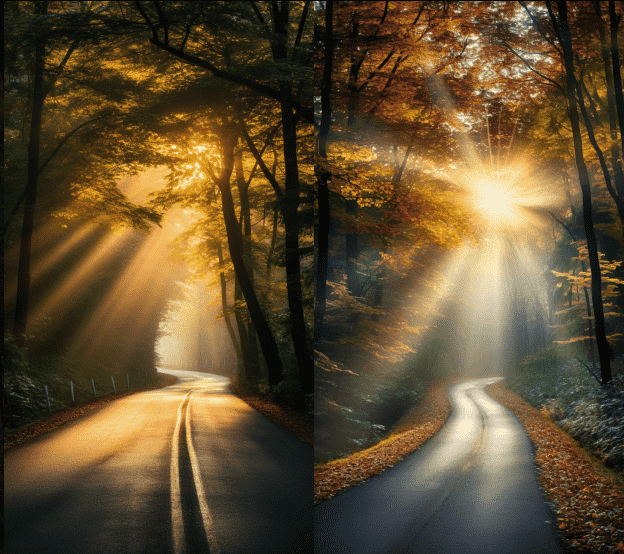
右侧图像使用的是逆光Back lighting,右下方图像使用的是丁达尔光Godrays。
在具体创作时,可以使用下面的关键词来定义光线的类型与方向:顺光 Front lighting、侧光Side lighting、逆光 Back lighting、侧逆光 Rim lighting、体积光 Volumetric lighting、工作室灯光 Studio lighting、自然光 Natural light、日光 Day light、夜光 Night light、月光 Moon light、God rays 丁达尔光。
右侧图像使用的是逆光Back lighting,右下方图像使用的是丁达尔光Godrays。
In the chaotic streets of Thailand, a man is dragging a car full of goods facing forward, the sunset shines from the back of the man to the front, contour light, back lighting –ar 9:16 –v 5.2
A winding road leads to the dense forest, with rays of light shining through the leaves onto the road, creating the “God rays” effect, autumn –ar 9:16 –v 5.2
3.控制视角的关键词
在摄影中,视角可以分为水平和垂直两个方向,水平方向上可以分为前视 Front View、侧视 Side View 、后视 Back View,即表现被拍摄对象的正面、侧面及背面。
在垂直方向上,可以分为低角度仰视视角 Low Angle Shot、俯拍视角 Overhead、常规视角 Eye-level、顶视图 Top View。
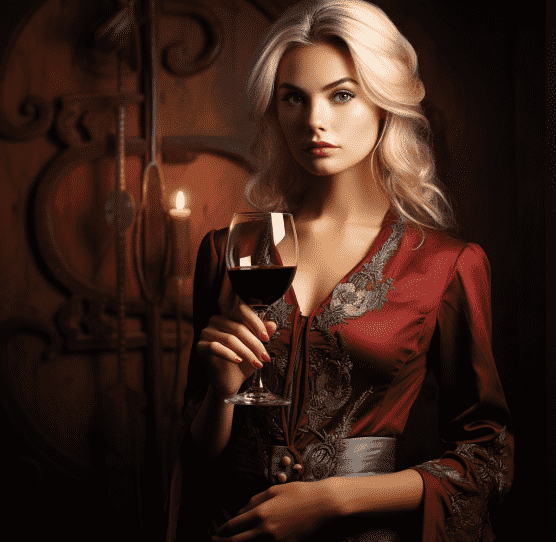
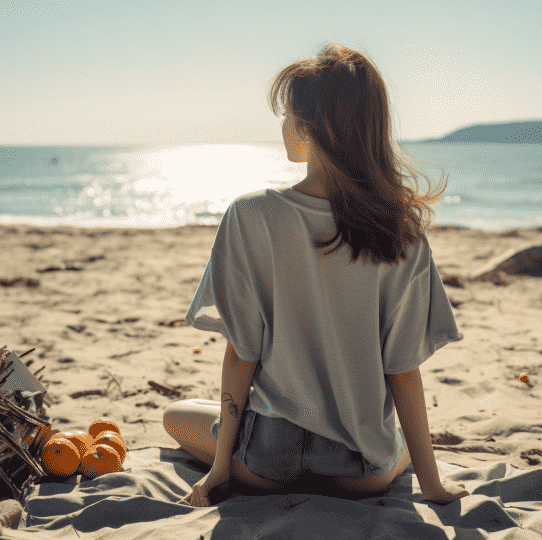
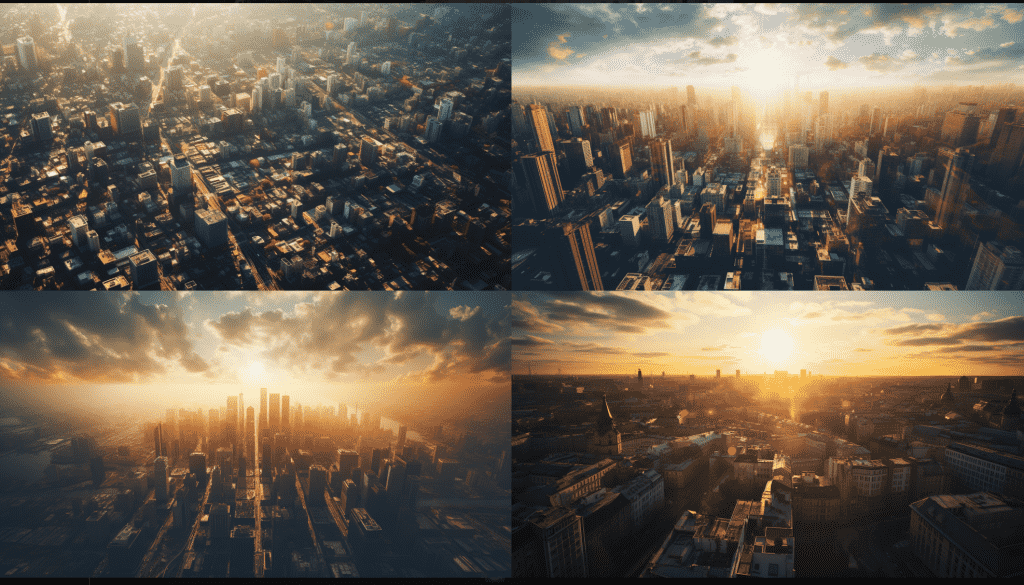
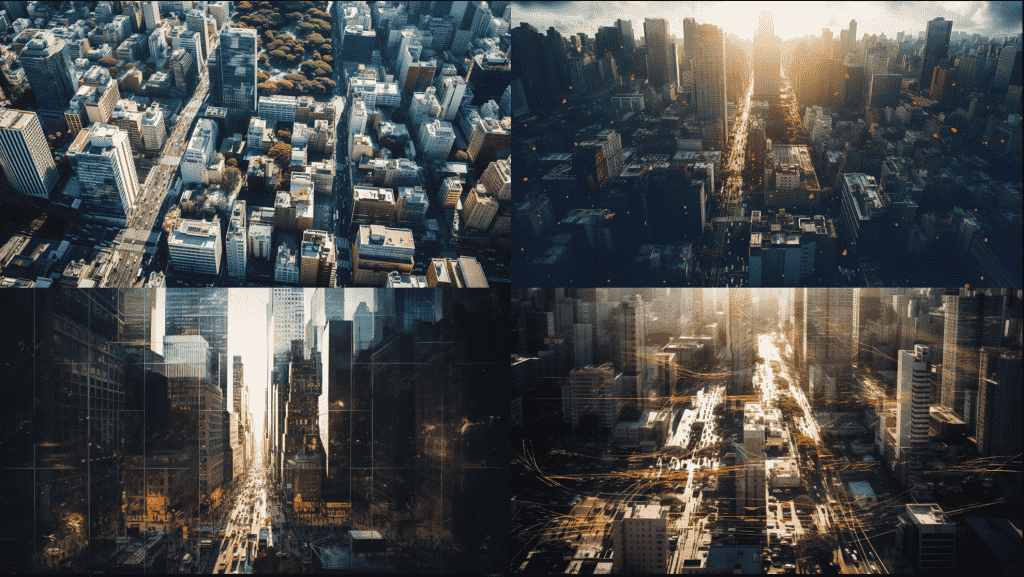
此外,还有与景别概念相近的广角视角 Wide angle view、全景视角 Panoramic view、鸟瞰视角 Aerial view、卫星视角 Satellite View。
鸟瞰视角与卫星视角的区别在于,后者生成的图像无地平线,如左下图所示,而前者生成的图像可以看到明显的地平线,如右下图所示
4.控制色调的关键词
在摄影中,白平衡常用于影响画面的色调,虽然在 MJ中没有专门的白平衡控制关键词,但可以使用有关颜色的关键词对画面色调的描述来控制画面色调。
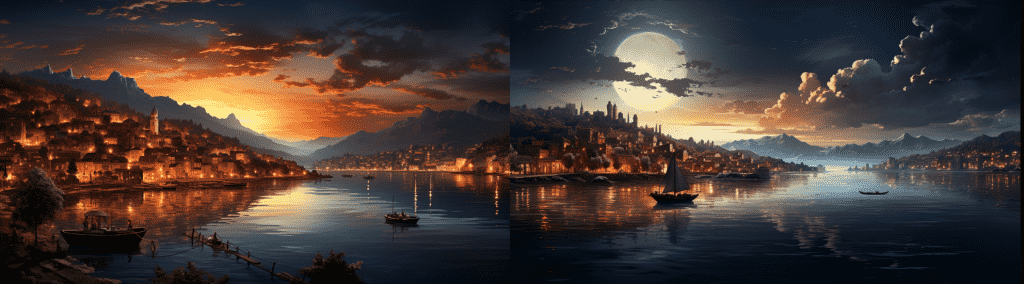
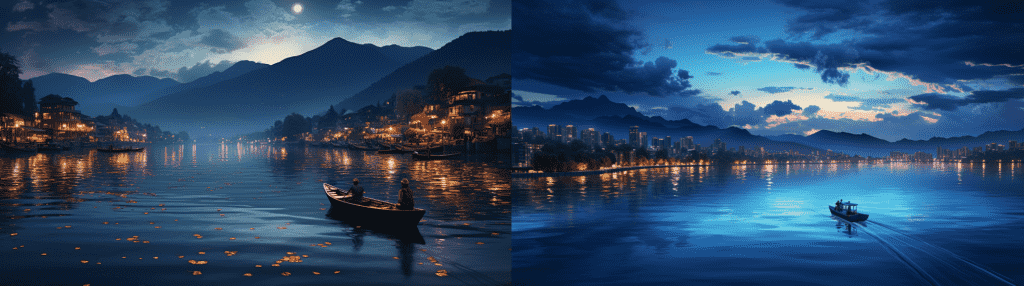
此外,还可以使用金色时刻 gold hour 和蓝色时刻 blue hour 关键词。
金色时刻 gold hour 也称为 “黄金时刻” 是指在日出和日落时分,太阳的高度角度低于6度,此时阳光变得十分柔和,光线呈现出温暖的金色调,能够为照片营造出浪漫温馨的氛围,非常适合拍摄人物肖像和风景
而蓝色时刻 blue hour 则是在日出和日落前后,太阳距离地平线6度~4度左右的时段,此时的光线呈现出深蓝色调,天空和周围环境的颜色都会被渲染得特别柔和、深邃,呈现出独特的神秘感,拍摄城市夜景或者水景都非常适合。
使用这两个关键词,可以更准确地控制图像的明暗与色调,如下面的两张图像所示。
DeepAssistant GPT镜像站
笔者开发了ChatGPT和Midjourney的镜像站,除插件以外的ChatGPT的问答功能,大部分Midjourney功能,在DeepAssistant网站上都可以使用。如果小伙伴无法科学上网,还想尝个鲜,欢迎使用镜像站:https://deepassistant.cn/, 使用方法见网站公告或者博客文章:Deep Assistant 网站导引